Help · Promoters
Flyers, fonts and formatting
The event page is the whole pitch. Make it look like your party.
The flyer #
Add a flyer when you create the event, or later under Flyer on the event page.
- JPEG, PNG, WebP or GIF, up to 15 MB.
- sekrit keeps a copy up to 2048px on the long edge — sharp on any phone, light enough for a basement's one bar of signal.
- A preview image is made for link previews, so the flyer shows when the link is pasted into a chat or a story.
Replacing the flyer gives it a new address, so chat apps that cached the old preview pick up the new one.
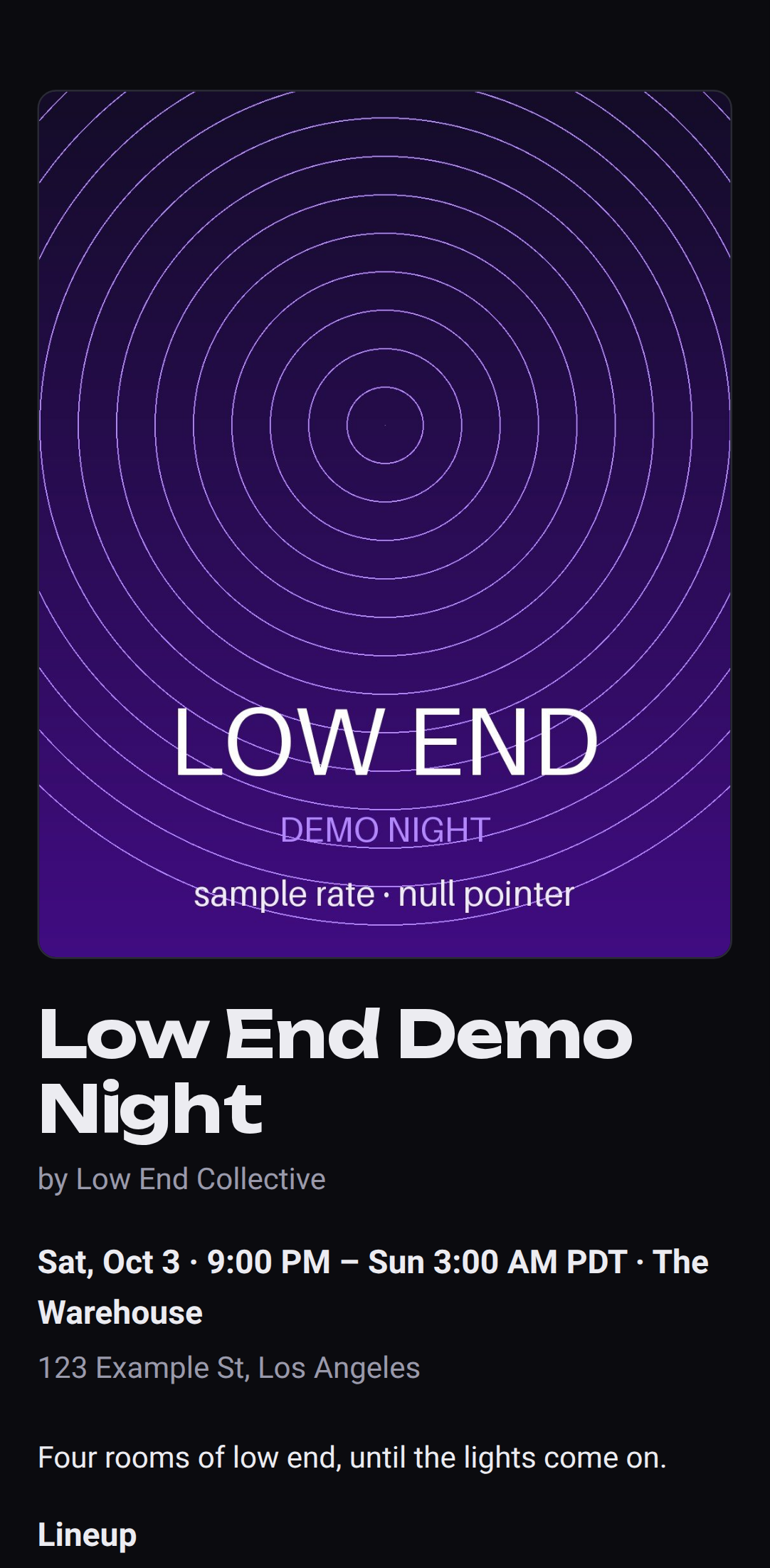 A flyer, a title font and an accent colour.
Title font and accent colour #
Pick a title font and an accent colour when you create the event or under Details. The accent colours all pass contrast checks against the dark background, so text stays readable under venue lights.
The description #
The description takes simple formatting — the Formatting help link under the box shows the lot:
| Type this | Get this |
|---|---|
**bold** | bold |
*italic* | italic |
## Lineup | a section heading |
- DJ Foo | a bullet list |
[tickets](https://…) | a link |
Each line break stays a line break, so a lineup typed one artist per line reads that way. Preview shows exactly what people will see.
What it won't do: HTML, and images. Images go in the flyer.